1. 메모리 캐싱이란?
메모리 캐싱은 자주 사용되는 데이터를 메모리에 저장해 빠르게 접근할 수 있게 하는 기술
2. NSCache
시스템 리소스가 부족할 때 데이터가 자동으로 제거될 수 있는, 임시적인 키-값 쌍을 저장하기 위한 변경 가능한 컬렉션
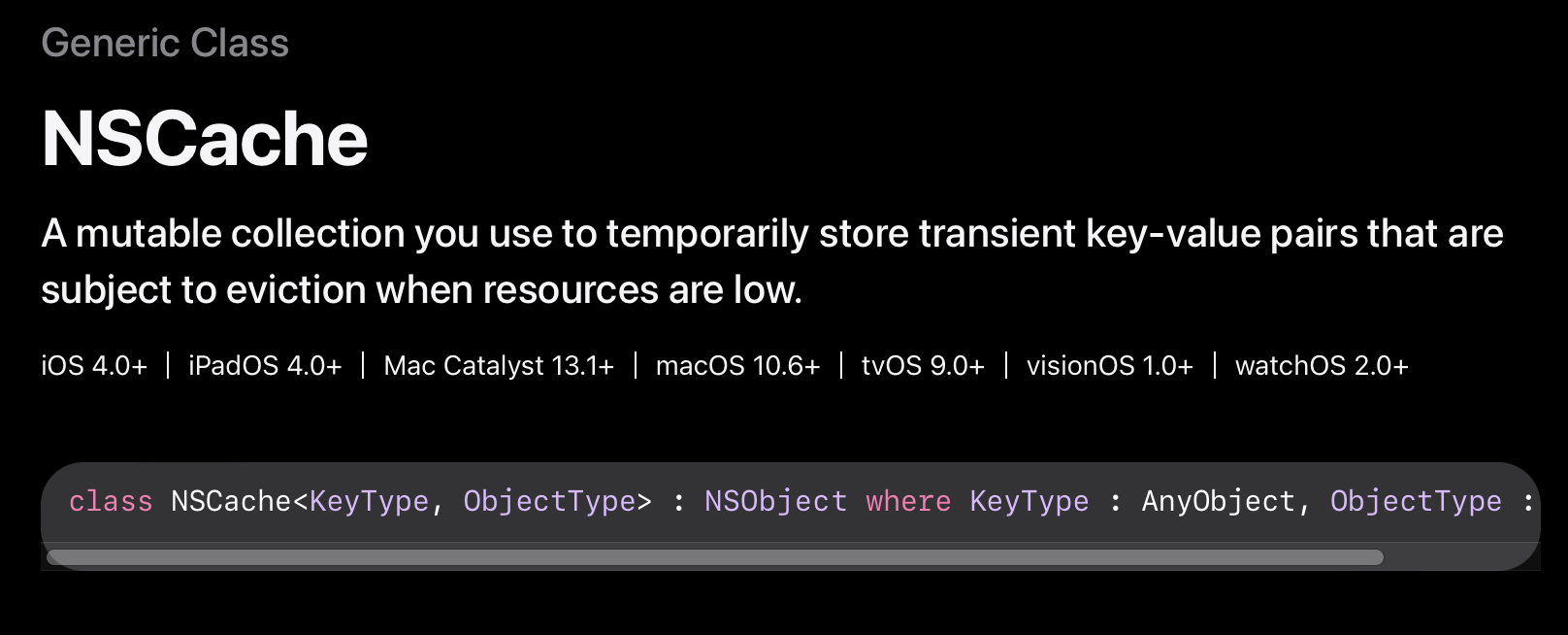
NSCache | Apple Developer Documentation
A mutable collection you use to temporarily store transient key-value pairs that are subject to eviction when resources are low.
developer.apple.com
class NSCache<KeyType, ObjectType> : NSObject where KeyType : AnyObject, ObjectType : AnyObject
NSCache는 NSObject를 상속받는 클래스
KeyType과 ObjectType을 제네릭으로 받고 있음
KeyType과 ObjectType은 AnyObject를 채택해야 함. 즉, 클래스만 가능함
ex) 구조체인 String은 사용할 수 없고, NSString으로 변환해서 사용해야 함
이러한 제약이 있는 이유는 NSCache가 Objective-C 런타임과의 호환성을 위해 설계되었기 때문
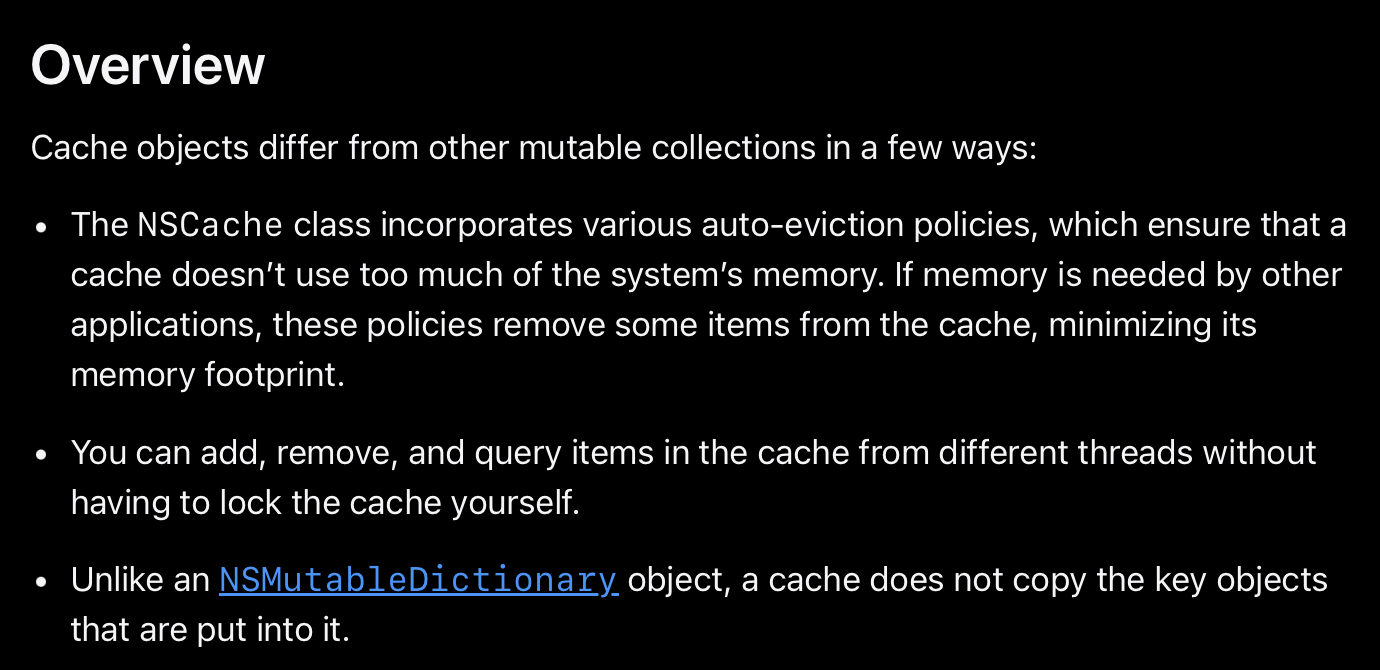
Cache 객체들은 다른 변경 가능한 컬렉션들과 몇 가지 차이점이 있습니다:
1. 자동 제거 정책(Auto-eviction policies)
이는 캐시가 시스템 메모리를 과도하게 사용하지 않도록 보장합니다
다른 애플리케이션에서 메모리가 필요할 경우, 이 정책들은 캐시에서 일부 항목을 제거하여 메모리 사용량을 최소화합니다
2. Thread Safety
여러 스레드에서 캐시의 항목을 추가, 제거, 조회할 수 있습니다
직접 락(lock)을 구현할 필요가 없습니다
3. 키 객체 복사 관련
NSMutableDictionary와 달리, 캐시는 저장되는 키 객체를 복사하지 않습니다
3. 프로젝트 적용
1. NSCache 인스턴스 생성
class ImageCache {
    static let shared: NSCache<NSString, UIImage> = {
        let cache = NSCache<NSString, UIImage>()
        let totalMemory = ProcessInfo.processInfo.physicalMemory
        cache.totalCostLimit = 100 * 1024 * 1024 // 100MB 제한
        return cache
    }()
}
Key 값으로 NSString, Value 값으로 UIImage 사용
totalCostLimit을 통해 용량 제한 설정 가능
또는 countLimit을 통해 객체 개수 설정 가능
2. 캐시 로드 및 저장
// 캐시에 저장된 이미지 가져오기
if let cachedImage = ImageCache.shared.object(forKey: "imageKey" as NSString) {
    // 캐시된 이미지 사용
}

// 캐시에 이미지 저장
ImageCache.shared.setObject(uiImage, forKey: "imageKey" as NSString)
3. 네트워크 통신에 적용
func requestImage(_ api: ImageRouter) async throws -> UIImage {
    let request = try api.asURLRequest()

    guard let url = request.url else {
        throw APIError.badURL
    }

    // 1. 메모리 캐시 확인
    if let cachedImage = ImageCache.shared.object(forKey: url.absoluteString as NSString) {
        return cachedImage
    }

    // 2. 디스크 캐시 확인
    if let cachedImage = ImageFileManager.shared.loadImageFile(filename: api.path) {
        ImageCache.shared.setObject(cachedImage, forKey: url.absoluteString as NSString)
        return cachedImage
    }

    // 3. 네트워크 통신
    do {
        let data = try await performRequest(api: api)
        guard let uiImage = UIImage(data: data) else {
            throw APIError.badData
        }
        ImageCache.shared.setObject(uiImage, forKey: url.absoluteString as NSString)
        return uiImage
    } catch {
        throw error
    }

    ImageCache.shared.setObject(uiImage, forKey: url.absoluteString as NSString)
    return uiImage
}
이미지 Request 시 메모리 -> 디스크 -> API 순으로 확인
디스크나 API를 통해서 이미지를 받아온 경우, 다음번에는 메모리 캐싱에 성공할 수 있도록 NSCache에 저장해 줌
'iOS' 카테고리의 다른 글
| [iOS] 재귀 함수를 활용한 토큰 갱신 (2) (0) | 2024.10.24 |
|---|---|
| [iOS] RequestInterceptor를 활용한 토큰 갱신 (1) (0) | 2024.09.30 |
| [iOS] DateFormatter vs Formatted (0) | 2024.09.26 |
| [iOS] 접근 제어자 (0) | 2024.09.07 |
| [iOS] COW(Copy-on-Write) (0) | 2024.08.28 |
